Posts

Difference Between Intel i3, i5, i7 and i9 Processor | Which One is Better To Buy?

Image
There are two big Computer Processor producers in the market. They are Intel and AMD. Here, we are going to talk about Intel i3, i5, i7, and i9 processors. These processors are really popular in the market. If someone has a computer, then there is a high possibility, they are using an intel processor. Intel makes i3, i5, i7, and i9 processors for different users. But, which Intel Processor is suitable for you, i3, i5, i7, or i9? On all intel processors, you will hear about Core and Generation. What is Core in Intel Processor? A core is a single processing unit of a Processor. Usually, processors have dual-core, quad-core, octa-core, and more to run multiple programs efficiently. A Single Core handle one part of a computer program that is running. What is Generation in Intel Processor? On Intel processor, you will see 5th gen, 7th gen, 8th gen, 9th gen, etc. What are these generations in the Intel processor? It is actually a generation of processor that tells it is an improved version o...

4 Things To Consider While Charging Your Smartphone

Image
We daily use a charger to charge our smartphone battery. Without a charger, we can't recharge our smartphone battery and use the smartphone. So, a charger is the most necessary tool for us. But, most of us use our charger to charge our smartphones in kind of wrong way. So for that, I have mentioned 4 Things that you should consider while charging your smartphone.  Remove Smartphone Case/Cover While Charging Almost every smartphone user uses a smartphone cover/case to protect their phone from scratch and other things, which is a good thing. But, the smartphone cover/case is also one of the main reasons why the smartphone gets heat. Whenever you use a smartphone or charge the smartphone, it produces heat, and because of the cover, the heat can't blow away easily that can actually reduce the smartphone performance. So always try to remove the cover while charging your smartphone because Charging is also one of the activity, your smartphone does. You should also remove the phone ca...

Is It Bad To Charge Smartphone With Other Chargers? | 4 Things To Consider Before Using Any Smartphone Charger

Image
I am damn sure most people charge their smartphones using other smartphones chargers, right. Most people charge their smartphone by taking a charger from their friend or anyone without knowing the brand and the capacity of the charger. Is It Bad To Charge Smartphone With Other Chargers? It is 100% ok to charge a smartphone with other chargers if the following points are validated. The Smartphone Charger Output Volt is 5-Volt, 9-Volt, or around 12-Volt Most of the smartphone can be charged with 5-volt current and those smartphones which support fast charging can charge with 9-volt or more than the 9-volt output current. If your smartphone doesn't have a fast charging feature you should charge it with those chargers whose output volt is 5-volt and if your smartphone does support fast charging then you can use 9-volt chargers. The Smartphone Charger is Original and from Reputed Smartphone Brand If the charger is original and from a reputed brand like Samsung, XIAOMI, RealMe, Apple, On...

Why You Should Not Use a Memory Card On The Smartphone?

Image
Almost every smartphone user has used or maybe they still use a Memory Card to increase their smartphone storage. If you still use a Memory Card to increase your smartphone storage then I will say stop using it right now because it is one of the main reasons to slow down your smartphone performance. Do You Know Why iPhones Don't Have Memory Card Slot? It's because Apple doesn't want to ruin the iPhone user experience because of the memory card. How Memory Card Slows down the Smartphone Performance? To know how memory card slows down the smartphone performance we need to understand how these storage devices work. A storage device is used to store and copy any type of digital data in it. To store the data in it we copy a file from another storage device and paste it on it right. The data copy/paste process is called Read/Write. Every storage device has its own read and writes speed like some memory card, pen drive, internal storage of the device, etc can have read/write speed...

How Do Browsers Make Money If They Are Free To Use?

Image
Have you ever wonder how the Internet browsers like Google Chrome, Mozilla Firefox, Safari, Opera, Microsoft Edge, etc make money. Does this browser even make money, or are they free to use? None of us pay money to browse the Internet through these browsers, right. Even you are reading this on the web browser for free. If everything is free, then how do Internet browsers make money? Do Popular Web Browsers Even Make Money? Yes, they make lots of money through the browser. If you think the browser is free, you are wrong. Always remember, If you are not paying for the product, you are the product. All the popular web browsers make money in different ways. But How? Let's start with the most popular web browser Google Chrome. How Google Chrome Earn Money? If you use Google Chrome, then you will see that the default search engine is Google. On the search result page of Google, you will see ads. By showing the ads, Google Chrome generates money. And If you visit any website on Google Ch...

Why Is Apple Always Late For Adding New Features Than Android?

Image
If you use both Android devices and iPhones or if you see iPhone new features anywhere, you will found that all the features were already available on Android devices. Not only for iPhone but for most products like Apple Airpods, Apple different services like Apple Pay, iTunes, etc. Why is Apple always late for adding and implementing new features and technologies to their products than Android and other companies? Why Is Apple Always Late For Adding New Features Than Android? There could be various reasons but maybe Apple does this because of the following reasons: Apple Has Its Own Market There are millions of Apple users and Apple products fans. If you see the smartphone users, you will found on average, out of every 4 people 1 person uses Apple iPhone. And All these Apple iPhone users love using it. If you ask any iPhone user which is the best smartphone in the market, they will always say you, iPhone is the best. Apple fans will always believe in Apple and wait for new features ad...

5 Websites To Increase Your Typing Speed

Image
If you want to improve your typing speed, then you must do practice typing. If you want someone or something to guide you while practicing typing, you can visit these 5 websites. One website is also enough to guide you. 10FastFingers.com 10FastFingers will help you to improve your typing speed, test your typing speed, play typing speed games against other users online, etc. Ratatype.com Ratatype is also one of the popular websites for doing typing practice. Lots of people use this website to increase their typing speed.   Thetypingcat.com TheTypingCat is the most popular website for improving typing speed. You can do typing text, take typing guidance, etc on this website.   TypingTest.com TypingTest is only made for testing the typing speed and some games. You can check it out if  you just want to check your typing speed. Typing.com Typing will also help you to improve your typing speed and become your typing tutor.

5 Awesome Smartphone Tricks And Hacks

Image
Now you will know 5 Awesome Smartphone Tricks and Hacks that will help you a lot. Dial Last Phone Number Quickly If you press the Call Button, The Last Phone Number you have called will automatically dial. Navigate Through Text Easily All of us had got irritated while navigating through text, right. But this problem is over now. If you want to navigate through the text quickly and easily, hold the space button of the keyboard and navigate through the text on your smartphone. Solve Poor Connection Problem If your smartphone is not connecting to the network properly, turn on Airplane Mode and turn off the Airplane Mode. After this, your smartphone may get a connection to the nearest Network tower quickly. Assitant Menu In Assistant Menu, you will get lots of easy-to-reach buttons like a screenshot, volume control, screen off, screen control, etc. To Enable Assitant Menu Open Smartphone Settings. Go To Accessibility Option. Go To Interaction and Dexterity Option Enable Assitant Menu. Or S...

Why Cannot Antivirus Protect Your Computer 100%?

Image
Antivirus is a computer program that helps to detect and remove viruses from the computer. Antivirus helps a lot to protect the data of the user. But does antivirus protect the computer 100%? Does Antivirus Protect The Computer 100%? No, an antivirus program can never protect your computer 100%. Yes, it will protect your computer from most viruses and malware but not all viruses and malware. Why Cannot Antivirus Protect Your Computer 100%? Antivirus cannot protect your computer from viruses and malware because every day lots of new viruses and malware are created. Antivirus can detect only those viruses which information are already exist on the antivirus program. If a new virus is created, an antivirus cannot detect that new virus. That's why antivirus companies provide software updates so often with the new virus information on it. And you must update your antivirus computer program to be safe.   Read More Do You Really Need To Install Antivirus On Your Computer? What Happen If I...

Facebook Has Become A Trillion Dollar Company

Image
For the last 17 years, Facebook has connected to billions of people through the Internet. Facebook has been a game-changing company in the world. It has made lots of innovation and today's tech stuff like Facebook App, Instagram, WhatsApp, etc. And all the people love the Facebook products, the platform it provides to us. And because of this now Facebook has become a Trillion-Dollar Company. On Monday, June 28, 2021, Facebook crosses the valuation of 1 Trillion dollars. Now, Facebook has become the fifth company after Amazon, Apple, Microsoft, and Google. Facebook has also become the first social media company to achieve this milestone.

5 Websites For Photo And Video Editors

Image
Internet is full of millions of websites. In this post, you will know about 5 Websites for photo and video editing. And all the websites mentioned here are free. remove.bg On remove.bg you can remove the background of any image for free. Simply, upload the image and wait for a second you will get an image with transparent background.   unscreen.com On unscreen.com you can remove the background of the video for free. To remove the background of the video, upload the video and wait for a while you will get your video without the background. photopea.com Photopea is an online version of photoshop. You can edit pictures like photoshop on Photopea.com. If you have used or seen the Photoshop layout then you will know what type of website it is. autodraw.com If you want to draw something then simply visit the website called autodraw.com. On this site, you can draw anything you want. canva.com If you want to design anything like Facebook Posts, Logos, Business Banner, Ad video, etc then yo...

Should I Allow Cookies on Websites?

Image
  If you visit different websites, then you might know lots of websites ask permission for Cookies. What is Cookies? Why do websites ask for cookies? Should You Allow Cookies On Websites? What is Cookies? Internet Cookies or Cookies are small files created by the browser that stores your browsing behavior like what type of content you consume on the internet, in which website pages you spend your lots of time, etc. Why Do Websites Ask For Cookies? Websites ask for Cookies to show you ads or content according to your interest. For example, let say you allow cookies on A website .  Now, if you visit another website and consuming smartphone-related content, then that A website will show you smartphone-related ads or content on their website. Are Cookies Risky For Our Privacy? Yes and No. Since the cookies are on your computer, there is not a lot of risks. But if your computer gets hacked, then it might be harmful. Should You Allow Cookies On Websites? Yes, if you want to see per...

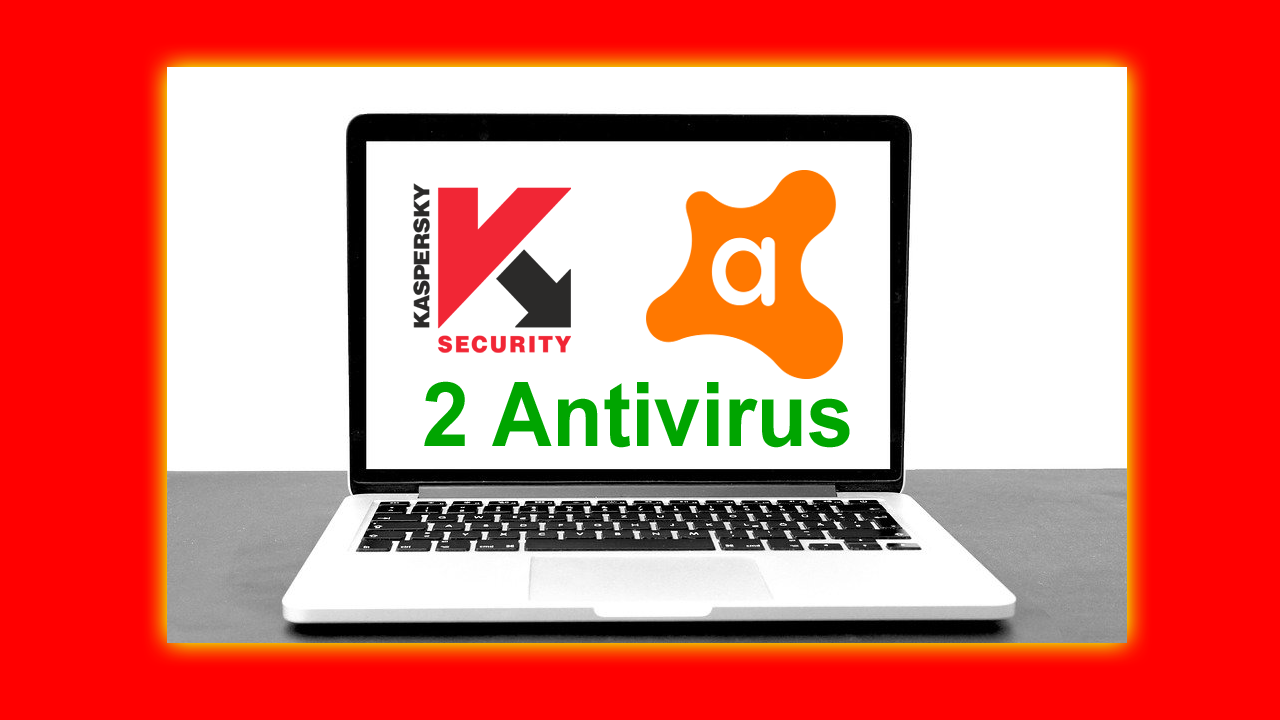
What Happen If I Install 2 Antivirus On 1 Computer?

Image
Have you ever tried or wonder what will happen, If we Install 2 Antivirus programs on a computer. Will the computer protection increase? Will The Computer Become Unhackable? What will really happen after installing 2 Antivirus programs on a computer? What Will Happen If I Install 2 Antivirus On 1 Computer? To understand it, first of all, let's talk about what does antivirus programs do. An antivirus program scans the computer system and detects if there is any malicious file or not. While scanning a file, the antivirus checks all the entry points of a computer from where a malicious file can enter. If you download any file from the Internet or insert any external drive, the antivirus will first scan it properly and will tell you if there is any vulnerability in the file or not. While scanning the file, the antivirus program uses RAM, processor, storage and if you use a laptop then it uses battery too for sure. So an antivirus program does these things. Now If 2 antivirus is install...

How To Block Websites On Chrome, FireFox and Other Browsers?

Image
  If you are distracted by addictive websites like Facebook, youtube, Instagram, and other websites, then you should block these websites. It is not a bad thing to visit these websites unless you are spending your whole time on these or any random non-useful website. If you want to save lots of precious time then you must block these or any website. But, How Can You Block Websites On Your Browser? How To Block Website On Google Chrome and Other Browsers? To Block Website On Google Chrome And Other Browers. Install BlockSite - Stay Focused and Control Your Time Extension You can go to Chrome Web Store or their Official Website Blocksite.co to download this extension. Click On The Extension Icon On The Top-Right Corner Of The Browser. Click On The Installed Extension. Add the website URL you want to block. Now, the website is blocked. You cannot visit the website unless you remove it from the blocklist. Read More: Chrome For Android - 5 Google Chrome For Android Tricks 12 Useful Sh...

Trending Posts

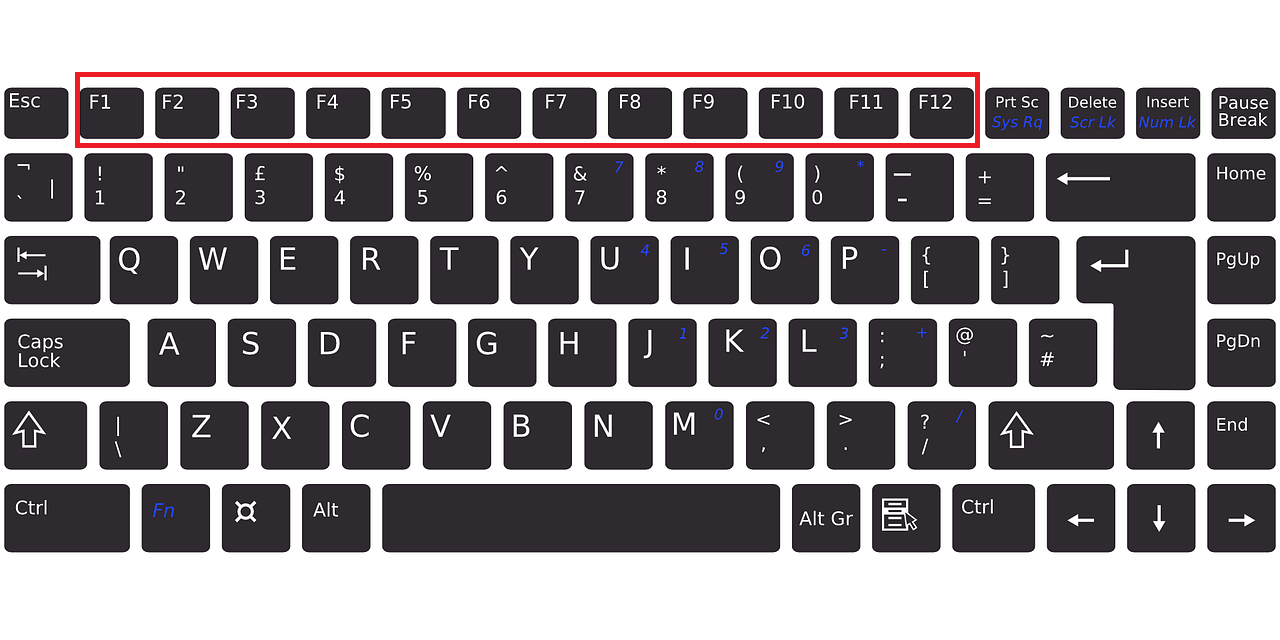
What Are The Use of Function Keys F1 to F12 on The Keyboard?

5 Awesome Computer Shortcut Key Tricks You Must Try

How Long Does It Take to Learn Programming?

Build a Modern Gradient Calculator Using HTML, CSS, and JavaScript

How to Create a Digital Clock with Date using HTML, CSS & JavaScript

Easy Light Bulb Project: HTML, CSS, and JavaScript

Why Do All Celebrities Use iPhones?

What is SEO and How It Works?

What Is the Main Function of a Web Server?

Build a Simple Calculator Using HTML, CSS, and JavaScript 💻