Posts

Is Learning To Code Boring?

Image
The world of coding and programming has become an essential part of our daily lives, from the apps we use on our smartphones to the websites we visit on the internet. Despite its undeniable importance, many people still hesitate to dive into the world of coding because they fear it might be boring or overly complex. In this blog, we will debunk the myth that learning to code is boring and explore the exciting aspects of this valuable skill. 1. The Power of Creation One of the most compelling reasons why learning to code is far from boring is the power it gives you to create things. Coding is like a superpower that enables you to bring your ideas to life, whether it's designing a website, developing a mobile app, or creating a game. The thrill of seeing your code transform into a functional program or application is incredibly rewarding and far from dull.   2. Problem-Solving Challenges Coding is essentially a continuous series of problem-solving challenges. Each line of code you wr...

Creating Mjölnir Thor Hammer Using HTML and CSS

Image
In the realm of web design, creativity knows no bounds. In this tutorial, we're going to embark on an imaginative journey and create a stunning visual representation of Mjölnir, the legendary hammer of Thor, using just HTML and CSS. By following the steps outlined below, you'll wield the power of design and bring this iconic symbol to life on your web page. So, let's delve into the magical world of coding and unleash the thunderous might of Thor's hammer! HTML Structure: Begin by creating a new HTML file and paste the following code between the `<body>` tags: <!DOCTYPE html> <html lang="en"> <head>   <meta charset="UTF-8">   <meta http-equiv="X-UA-Compatible" content="IE=edge">   <meta name="viewport" content="width=device-width, initial-scale=1.0">   <title>Shapes</title> <link rel="stylesheet" href="style.css"> </head> <b...

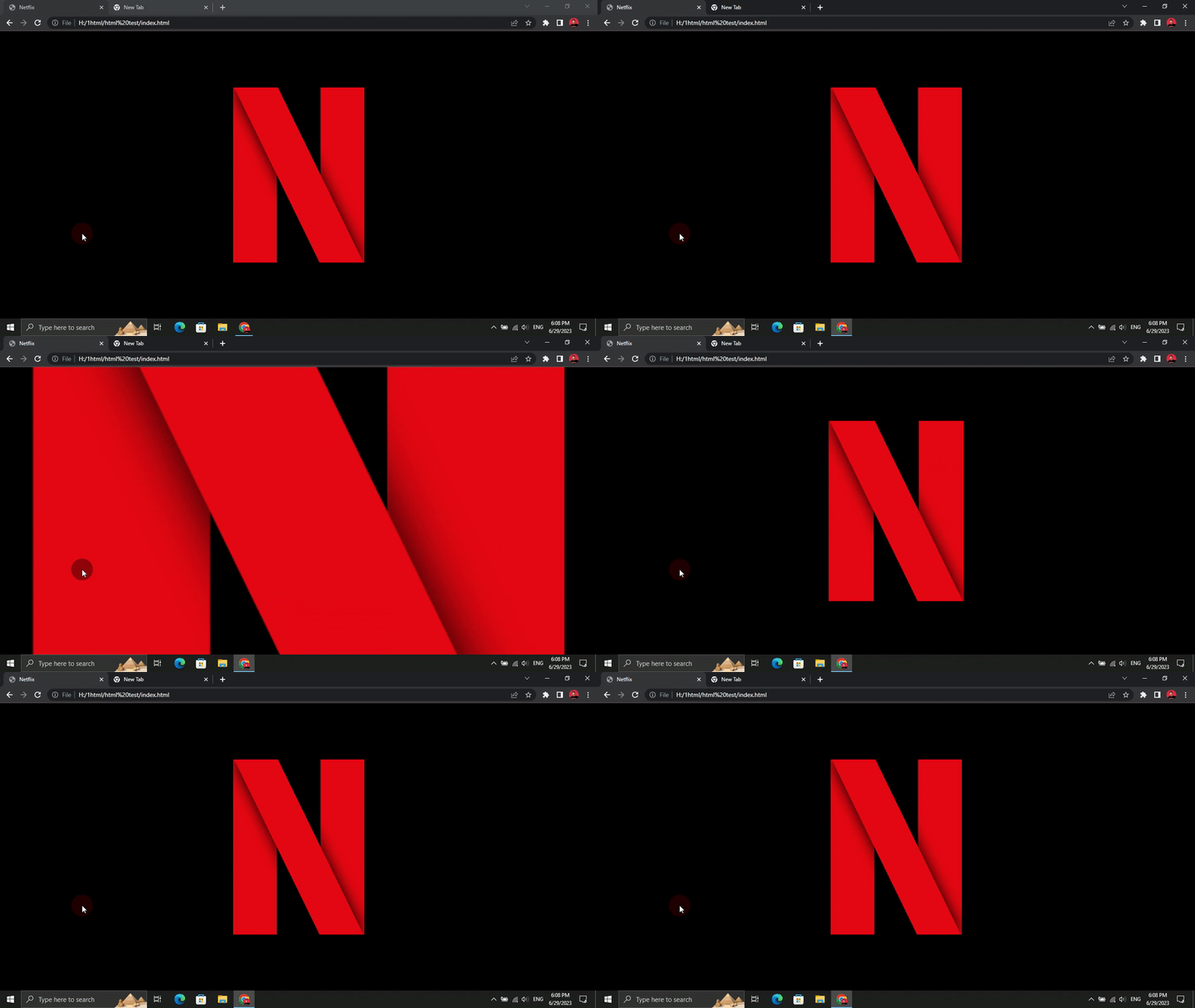
Creating a Netflix-inspired Animation using HTML and CSS

Image
In this blog post, we will explore how to create a simple yet captivating animation inspired by the Netflix logo using HTML and CSS. By following the provided code snippets and step-by-step instructions, you'll be able to replicate the animation and gain insights into the key concepts involved. So, let's dive in and bring some Netflix vibes to your web project! HTML Structure: To get started, create a new HTML file and paste the following code inside the `<body>` tags: <!DOCTYPE html> <html lang="en"> <head>     <meta charset="UTF-8">     <meta name="viewport" content="width=device-width, initial-scale=1.0">     <title>Netflix</title>     <link rel="stylesheet" href="style.css"> </head> <body>     <div class="container">         <div class="netflix"></div>       ...

Easy Light Bulb Project: HTML, CSS, and JavaScript

Image
In this tutorial, we will learn how to create a light bulb using HTML, CSS, and JavaScript. We will go step by step, explaining the code and its functionality. By the end of this tutorial, you will have a working light bulb that can be toggled on and off with a button. HTML Markup <!DOCTYPE html> <html lang="en"> <head>     <meta charset="UTF-8">     <meta name="viewport" content="width=device-width, initial-scale=1.0">     <title>Light</title>     <link rel="stylesheet" href="style.css"> </head> <body>     <div class="container">         <div class="light"></div>         <div class="cap"></div>     </div>     <button id="power">OFF</button>     <script src="script.js"></sc...

Can You Learn Web Development in a Month?

Image
Can you truly learn web development in just one month? While the prospect may seem enticing, let's explore the actuality of the learning process and what you can realistically achieve within this timeframe. Laying the Foundation: The first step on your web development journey is to build a solid foundation. Familiarize yourself with the fundamentals of HTML, CSS, and JavaScript—the building blocks of the web. Luckily, these languages are relatively beginner-friendly and offer numerous online resources. Websites like Codecademy, FreeCodeCamp, and Udemy provide interactive tutorials and video courses to help you grasp the basics. Building Practical Skills: Once you have the fundamentals, it's time to put your knowledge into practice. Undertake small projects, such as designing a personal website or creating a simple landing page. By engaging in hands-on experiences, you'll solidify your understanding and gain confidence in your abilities. Embrace challenges and learn from mis...

Create a Typewriter Animation Using HTML and CSS

Image
In this tutorial, we'll explore how to create a typewriter animation effect using HTML and CSS. This effect will make text appear as if it's being typed out character by character, similar to a typewriter machine. HTML Structure Let's start by setting up the basic HTML structure for our typewriter animation: <!DOCTYPE html> <html lang="en"> <head>     <meta charset="UTF-8">     <meta name="viewport" content="width=device-width, initial-scale=1.0">     <title>Typewriter Animation</title>     <link rel="stylesheet" href="style.css"> </head> <body>     <div class="container">         <div class="typewriter">I am a Billionaire.</div>     </div> </body> </html> In the above code, we have a container div with a child div having the class "typewriter". The text "I ...

Is Web Development Dead In 2023?

Image
In the fast-paced world of technology, trends come and go, leaving some to wonder about the future of web development. Is it still a viable career choice in 2023? In this blog post, we will dive into the topic and explore why web development is far from dead. So, let's debunk the myth and discover the exciting prospects which lie ahead! The Importance of Web Development: Web development remains an essential aspect of our digital lives. Websites are the primary means of accessing information, and services and engaging with businesses online. From e-commerce platforms to entertainment portals, websites are the gateway to a plethora of experiences. And who builds and maintains these websites? Web developers, of course! Their expertise is fundamental to creating engaging and personalized web experiences. Constant Evolution: The web development landscape is constantly evolving, making it an exciting field. New frameworks, tools, and technologies emerge regularly, empowering developers t...

Create A Calculator Using HTML, CSS & JavaScript

Image
Here is HTML, CSS and JavaScript code to create a basic web calculator. Copy the code from GitHub   HTML Code: <!DOCTYPE html> <html lang =" en "> <head> <meta charset =" UTF-8 "> <meta http-equiv =" X-UA-Compatible " content =" IE=edge "> <meta name =" viewport " content =" width=device-width, initial-scale=1.0 "> <title> Calculator </title> <link rel =" stylesheet " href =" style.css "> </head> <body> <div class =" calculator "> <input type =" text " id =" display "> <button onclick =" deleteVal() "> C </button> <button onclick =" deleteChar() "> CE </button> <button onclick =" add('%') "> % </button> <button onclick =" add('...

What is Web Development? A Beginner's Guide

Image
Welcome to our beginner's guide to web development! In this blog post, we will demystify the world of web development and provide you with a clear understanding of what it entails. Whether you're considering a career in web development or simply curious about how websites are created, this guide is for you. Let's dive in! What is Web Development? Web development refers to the process of building and maintaining websites and web applications. It involves a combination of programming, designing, and problem-solving skills to create interactive and functional websites that can be accessed by users across the internet. Front-End Development: Front-end development focuses on the user-facing part of a website. Front-end developers use HTML (Hypertext Markup Language), CSS (Cascading Style Sheets), and JavaScript to create the visual and interactive elements that users see and interact with in their web browsers. They are responsible for creating an engaging user exper...

What is ChatGPT? What are the Capabilities, Application and Impact of ChatGPT?

Image
In recent years, advancements in artificial intelligence have transformed the way we interact with technology. One of the most remarkable developments in this field is ChatGPT, a powerful language model created by OpenAI. ChatGPT, based on the GPT-3.5 architecture, is designed to engage in meaningful conversations, understand human queries, and provide informative and contextually appropriate responses. In this blog, we will delve into the fascinating world of ChatGPT, understanding its capabilities, potential applications, and the impact it has on our daily lives. Understanding ChatGPT: ChatGPT is an AI-based language model trained to generate human-like text responses based on the given input. It builds upon the foundation of Generative Pre-trained Transformers (GPT) and is equipped with a vast amount of knowledge and linguistic patterns gathered from diverse sources on the internet. This knowledge enables ChatGPT to generate coherent and contextually relevant responses, making it an...

How ChatGPT Can Enhance Your Web Development Learning Journey?

Image
Welcome to our web development blog! In this post, we will explore how ChatGPT, a powerful language model, can significantly contribute to your web development learning experience. Whether you're a beginner or an experienced developer, ChatGPT offers valuable assistance and guidance in your pursuit of mastering web development concepts. Let's delve into the ways ChatGPT can be a valuable tool in your learning process. 1. Answering Questions: One of the standout features of ChatGPT is its ability to provide answers to your specific web development queries. If you have doubts about programming languages, frameworks, or any related topic, ChatGPT can offer explanations, code examples, and clear up any confusion you may have. It acts as a reliable source of information, ensuring you have the knowledge you need to progress. 2. Code Assistance: Are you facing a coding problem or struggling with a bug in your web development project? ChatGPT can be your virtual coding budd...

Mastering CSS: A Step-By-Step Guide To Enhance Your Web Design Skills

Image
CSS (Cascading Style Sheets) plays a vital role in web development by adding style, layout, and visual appeal to HTML elements. Whether you're a beginner or seeking to level up your CSS skills, this step-by-step guide will provide you with a clear roadmap to master CSS. Let's dive into the exciting world of CSS and unlock your creative potential! 1. Gather Your Learning Resources: To begin your CSS journey, it's essential to have the right resources at your disposal. Consider the following options: - Online Tutorials and Courses: Platforms like Codecademy, FreeCodeCamp, and Udemy offer comprehensive CSS courses tailored to various skill levels. These courses provide hands-on exercises and projects to solidify your understanding. - CSS Documentation and References: The official documentation, such as Mozilla Developer Network (MDN) and W3Schools, serves as valuable references. These resources offer in-depth explanations of CSS properties, selectors, and concepts. - YouTub...

Trending Posts

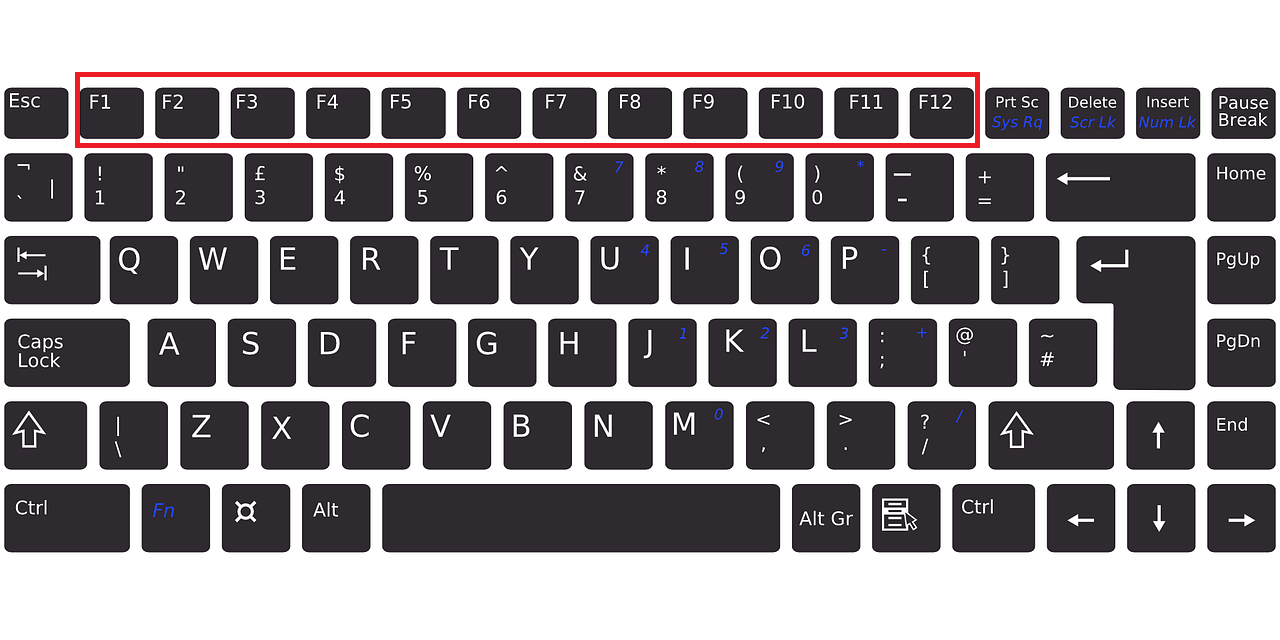
What Are The Use of Function Keys F1 to F12 on The Keyboard?

5 Awesome Computer Shortcut Key Tricks You Must Try

Can I Code If I'm Bad at Math? (Spoiler: Yes, You Can!)

Build a Modern Gradient Calculator Using HTML, CSS, and JavaScript

Easy Light Bulb Project: HTML, CSS, and JavaScript

Should You Use Battery Saving Apps?

🚀 Build a QR Code Generator Using HTML, CSS & JavaScript

12MP vs 48MP vs 64MP vs 108MP | Does More Megapixel Equal Better Image Quality?

Build a Simple Calculator Using HTML, CSS, and JavaScript 💻

The Secret Formula to Grow as a Programmer